Plugin Basics
This page introduces the core concepts for plugin development.

Plugin
A Logitech plugin is a software component that provides additional functionality to Logitech devices by integrating them with specific applications or services. Logi Actions SDK provides the tools and libraries for implementing plugins. Plugins are loaded and managed by the Logi Plugin Service, which handles their execution and communication with devices.
Key characteristics:
- Purpose: Provide support for external applications, devices, and cloud services
- Management: Managed by the Logi Plugin Service (part of Logi Options+ and Loupedeck desktop applications)
- Development: Implemented with the C# SDK or Node.js SDK
- Platform support: Designed to work on both Windows and macOS operating systems with the same source code
- Distribution: Can be distributed via the Logitech Marketplace
- File format: Packaged as
.lplug4files for distribution and installation
The Logitech Marketplace provides a centralized platform where users can discover and install plugins.
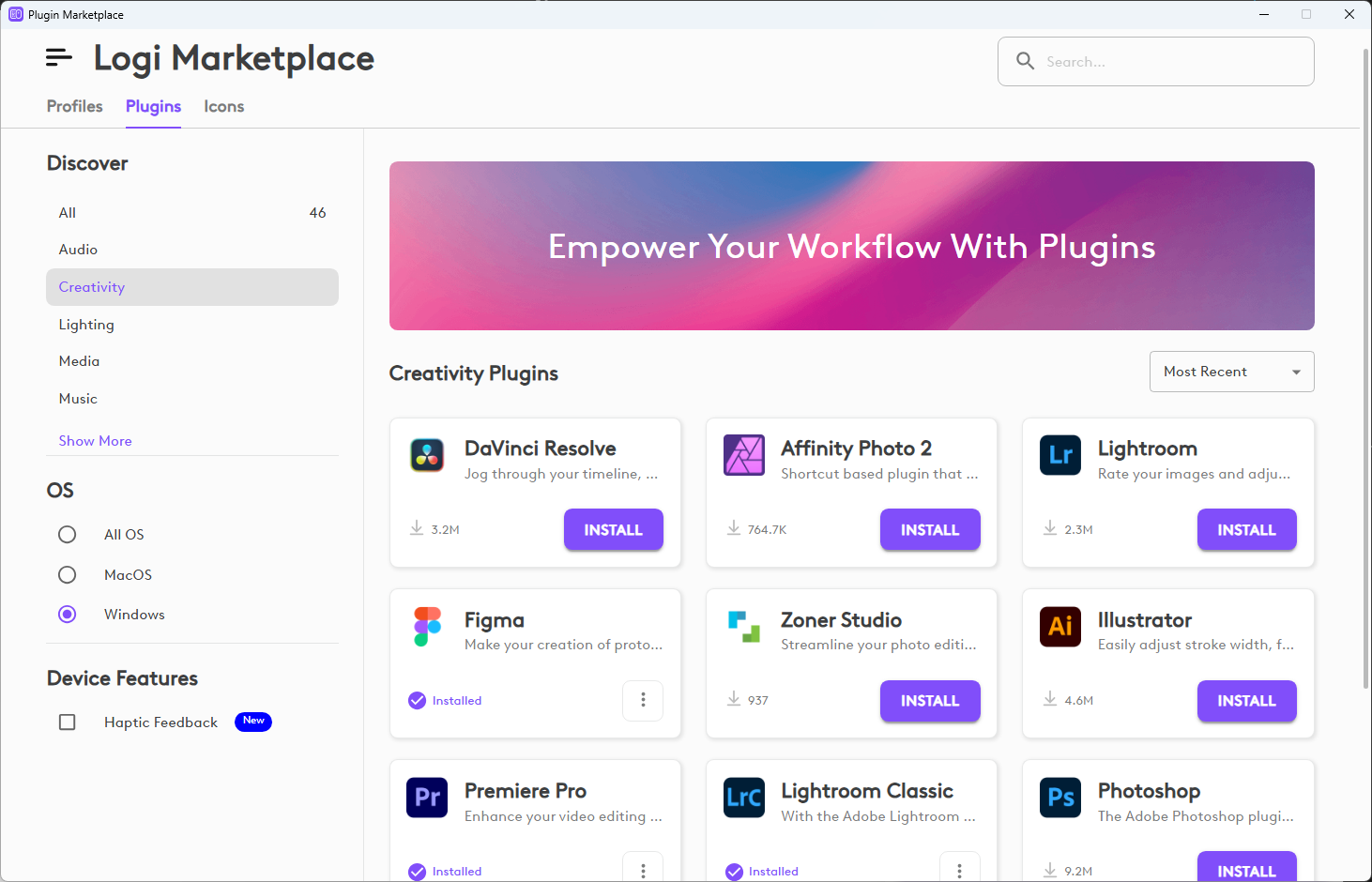
Plugins are typically designed to integrate with specific applications or services. To enable this integration, plugins can use various communication methods:
- Keyboard shortcuts: Simulate keyboard input to trigger application commands
- Network-based APIs: Connect to cloud services or web APIs via HTTP
- Inter-process communication (IPC): Communicate directly with application processes
- Native application SDKs: Integrate through an application's SDK or extension system
Action
An action defines what happens in software when a user triggers it using a Logitech device. An action typically executes a single operation in the target software. Plugins define the actions available to users, and users assign actions to device controls (buttons, dials) through profiles.
There are two types of actions: commands and adjustments.
Command
A command is an action that executes a discrete operation in the target software when triggered. Commands are typically mapped to button-like controls and execute once per activation.
- Behavior: Single activation with immediate, discrete result (on/off, execute)
- Examples: Toggle Mute, Save, Next Track
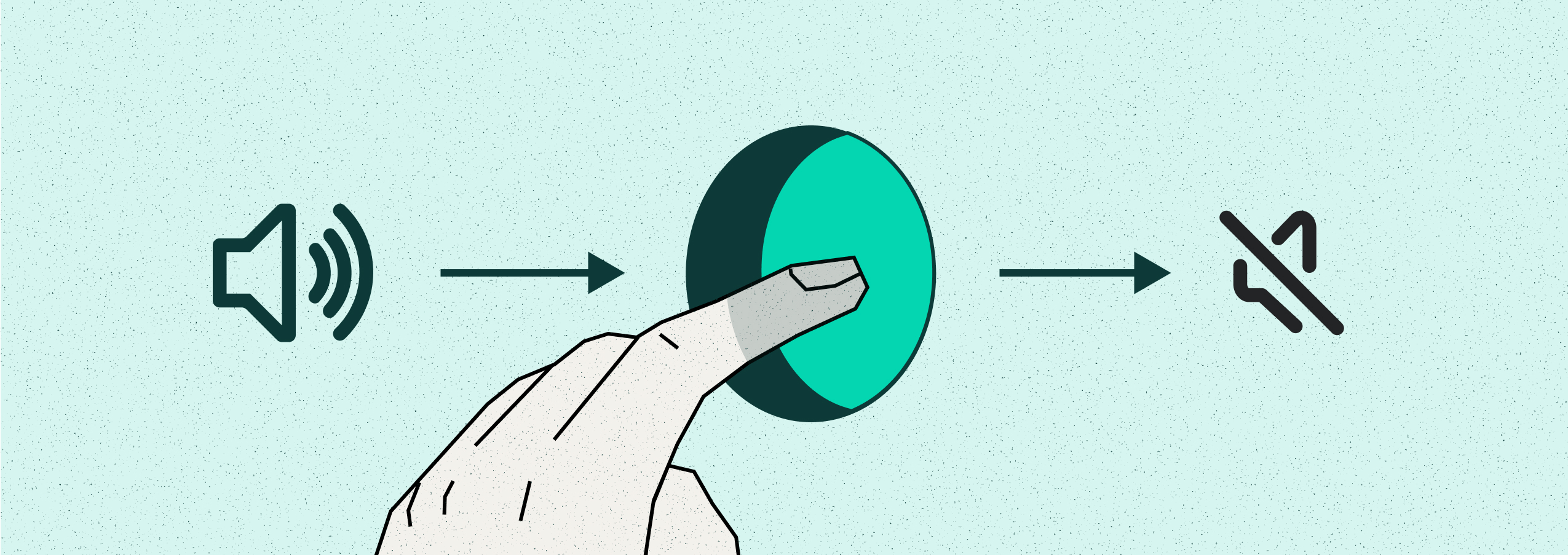
Command: One trigger, one result
Adjustment
An adjustment is an action that performs a continuous or incremental change in the target software. An adjustment allows fine control over values by increasing or decreasing them in steps. Adjustments are typically assigned to dials, rollers, or wheels.
- Behavior: Incremental steps that increase or decrease a value along a continuous range
- Examples: System Volume, Screen Brightness, Zoom
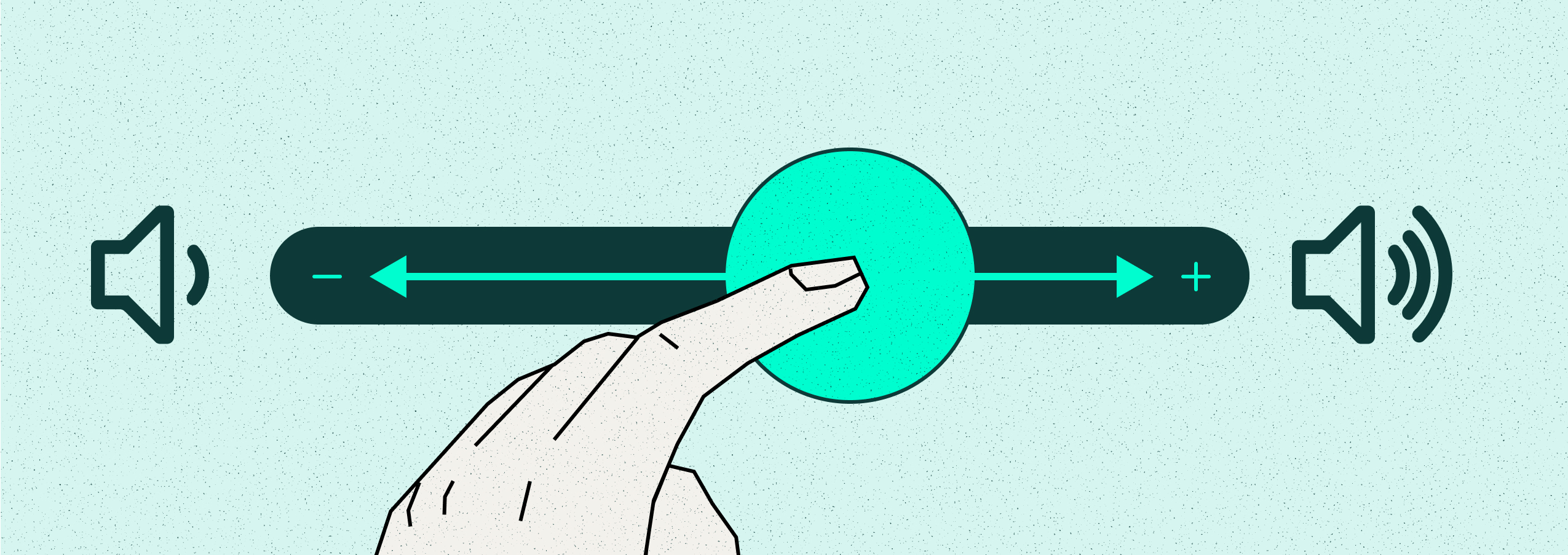
Adjustment: Incremental value control
Profile
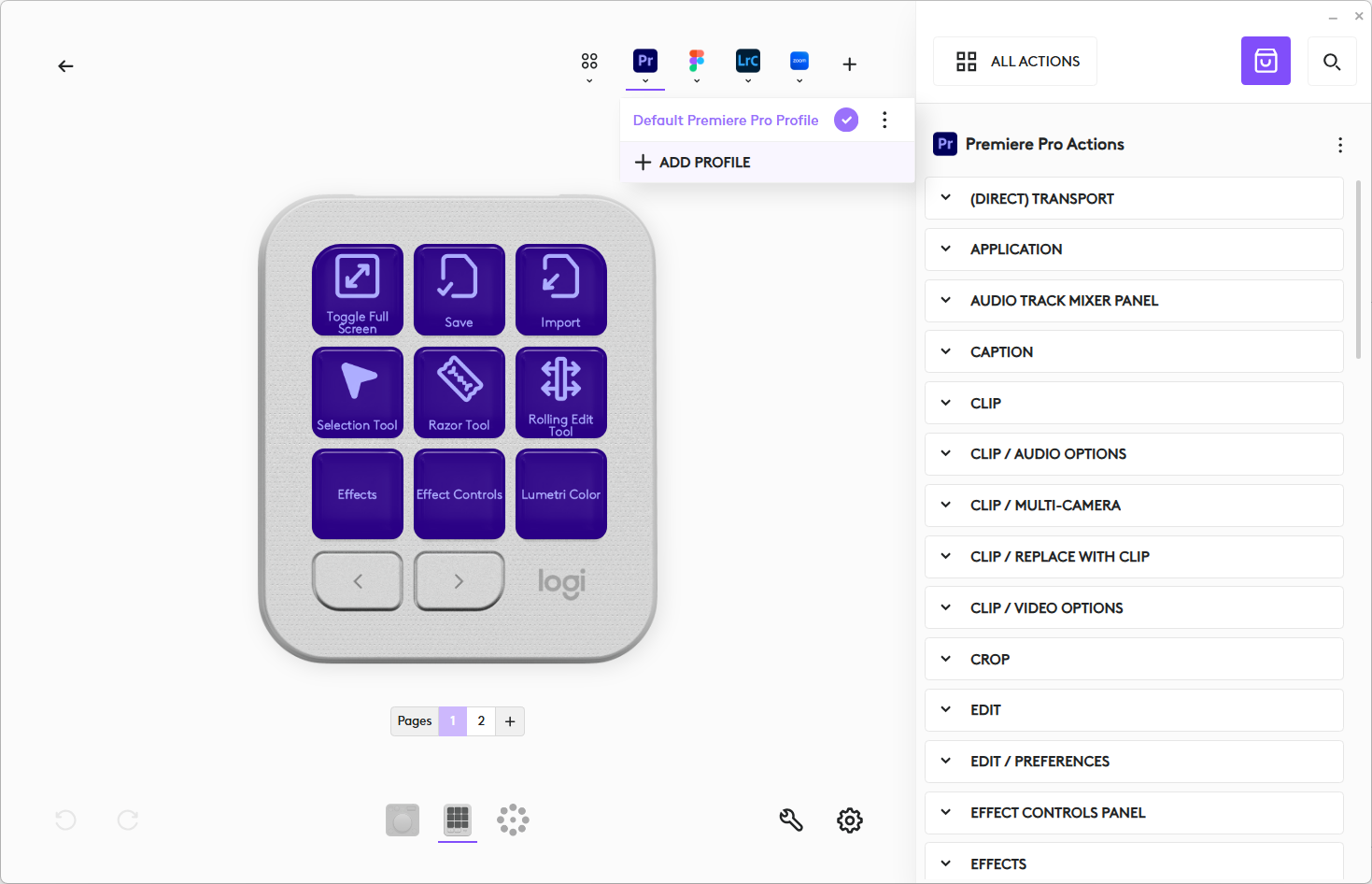
A profile defines the assignment of plugin actions to device controls for a specific application or workflow. Users can customize device behavior by creating and modifying profiles to suit their needs.
Key characteristics:
- Customization: Profiles are user-configurable and enable users to customize device behavior by binding actions to device interactions.
- Device-specific: Each supported device has its own set of profiles with control mappings tailored to that device's layout.
- Plugin association: Each profile is linked to a specific plugin and contains actions that are available for assignment to device controls.
- Distribution: A plugin may provide a default profile for each supported device. Profiles can also be distributed via the Logitech Marketplace.
- File format: Packaged as
.lp5files for distribution and installation. - Storage: Installed or user-created profiles are stored locally on the user's system.
Users configure profiles through the host application UI (Options+ shown below). The user interface displays the device layout, available actions from the plugin, and allows customization of action assignments for each profile.
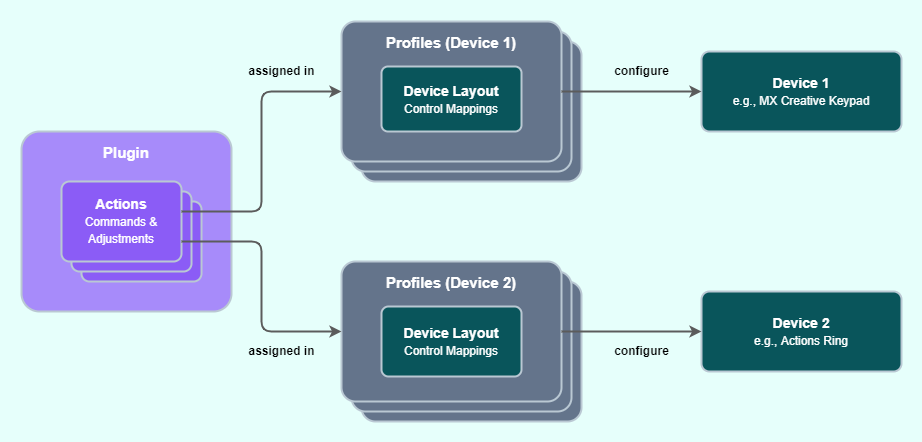
The following diagram illustrates how profiles link plugin actions to devices. A single plugin's actions can be assigned across multiple device types, each with its own set of profiles.
Logi Plugin Service
The Logi Plugin Service (LPS) is a background application that manages plugin lifecycle and communication. It is included with the Logi Options+ and Loupedeck host applications.
Key responsibilities:
- Plugin lifecycle management: Loads, initializes, and terminates plugins as needed
- Communication between components: Routes messages between plugins, devices, and host applications
- Resource management: Manages plugin resources and ensures stable operation
- Profile handling: Loads and applies user profiles to configure device behavior
Logi Plugin Service acts as the bridge between plugin code and the physical or virtual devices. When a user interacts with a device control, LPS routes the event to the appropriate plugin action. Similarly, when a plugin needs to update a display or provide feedback, LPS handles the communication with the device.
For a visual overview of how Logi Plugin Service connects plugins, devices, and host applications, see the System Overview diagram.

Supported Devices
In the Logi Actions SDK, a device is a physical or virtual controller for executing plugin actions. Users can assign actions to device controls and trigger those actions in software using the device.
