Supported Devices
This page describes two categories of devices: devices for executing plugin actions and devices for providing haptic feedback.
Action-Executing Devices
In the Logi Actions SDK, a device is a physical or virtual controller for executing plugin actions. Users can assign actions to device controls and trigger those actions in software using the device. These devices are referred to simply as devices in the SDK documentation.
For optimal testing and user experience during development, it is recommended to use a device with a screen (MX Creative Console, Loupedeck) or Actions Ring to ensure compatibility with screen-based workflows.
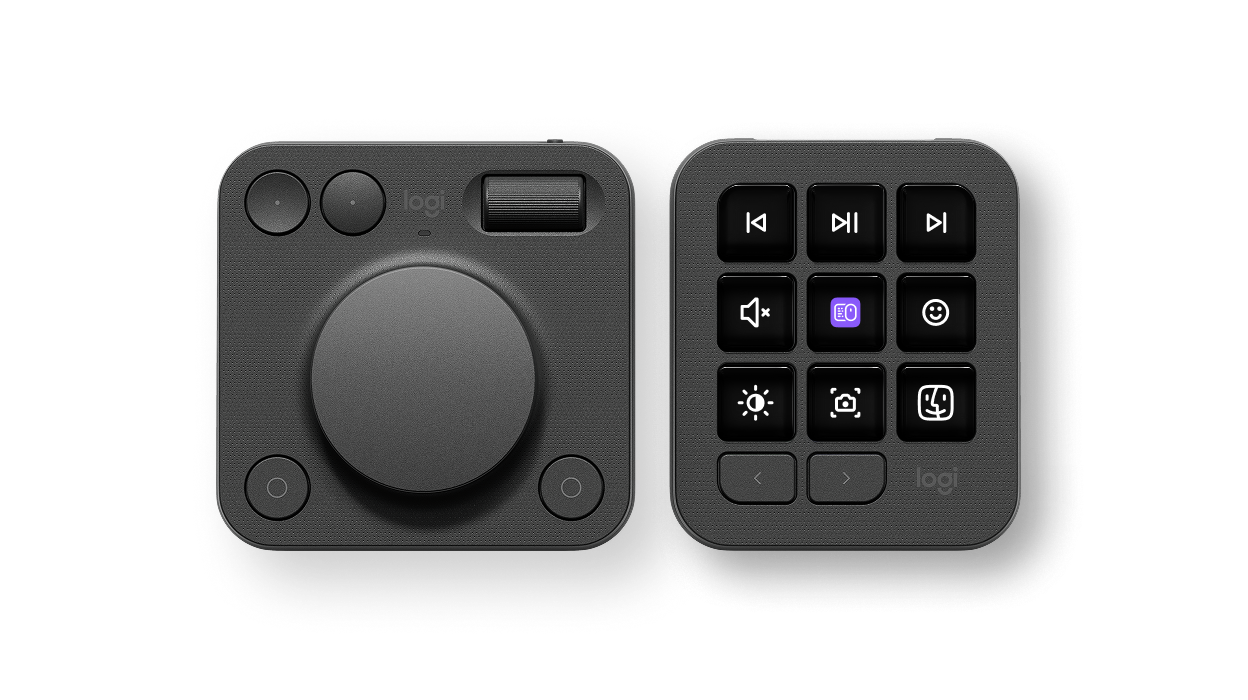
MX Creative Console
The MX Creative Console is a creative control surface consisting of two devices designed to work together:
- Keypad: Programmable LCD buttons for triggering commands
- Dialpad: Rotary dial and roller for precision adjustments, with additional buttons for commands
Actions Ring (available via any MX device)
Actions Ring is a virtual, on-screen controller that provides access to plugin actions through a software overlay. Actions Ring buttons function like the controls on physical Logitech devices. Each button is an assignable control that can trigger commands or adjustments in the same way as a physical button or dial.
A Logitech MX device is required to activate Actions Ring. Once active, the overlay can be controlled using any mouse.
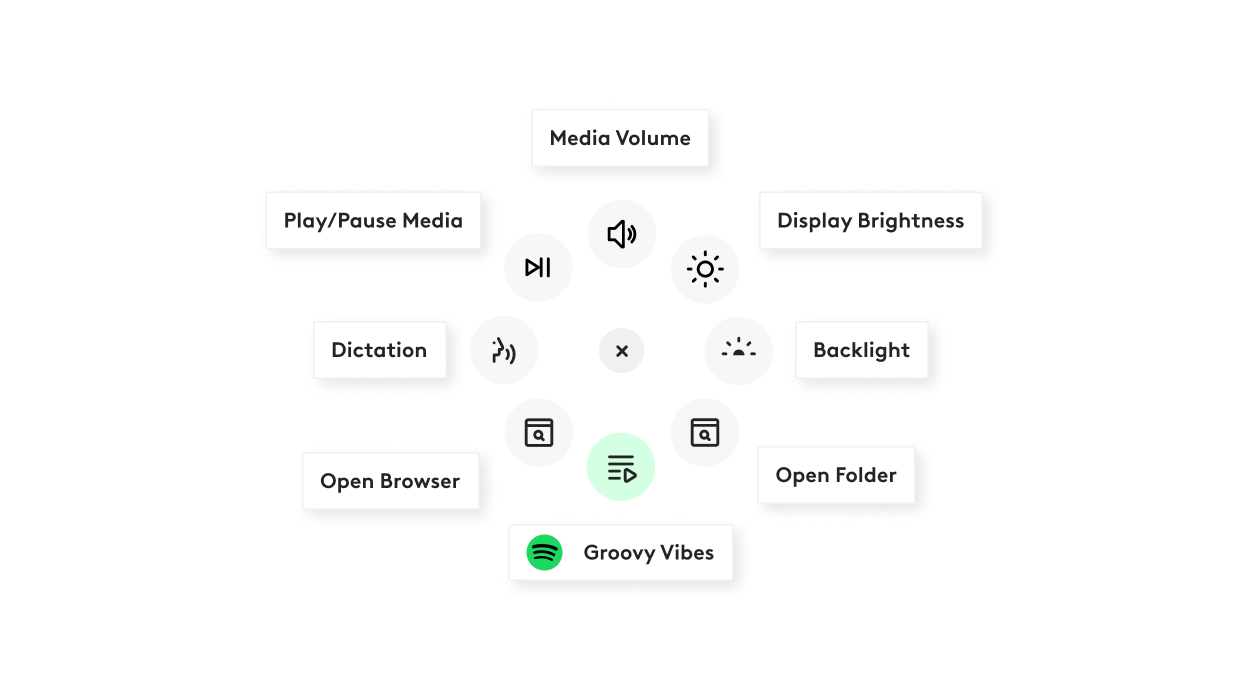
Key capabilities:
- Eight interactive overlay buttons
- Buttons behave like assignable hardware controls and can trigger commands or adjustments using mouse clicks and scrolling
- Plugin action support, enabling actions provided by plugins to be assigned to buttons
- Folder structure for expanded customization and hierarchical action organization
Loupedeck Devices
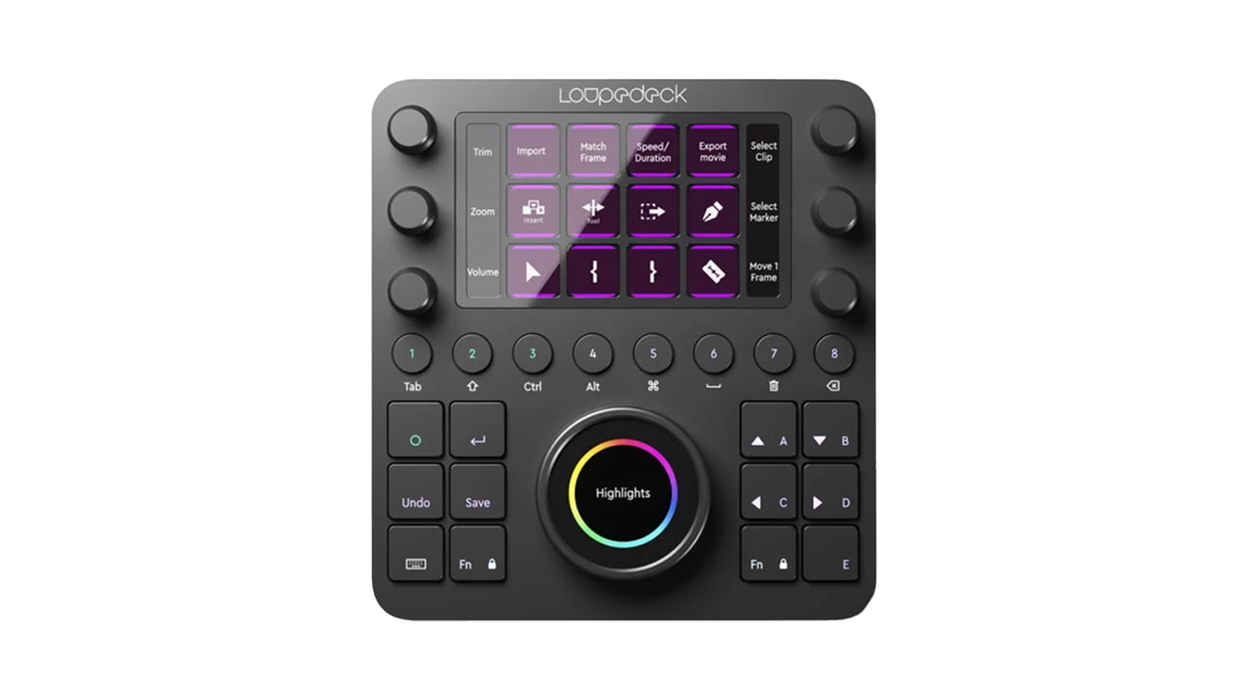
Loupedeck devices are control surfaces with various combinations of touch screens, LCD buttons, rotary encoders, and hardware controls:
- Loupedeck CT: Touch screen, rotary encoders, buttons, and a wheel
- Loupedeck Live: Compact surface with LCD touch buttons and rotary dials
- Loupedeck Live S: Streamlined version with LCD touch buttons and two dials
- Loupedeck+: Analog dials and buttons for photo and video editing
Haptics Devices
Haptics devices are fundamentally different from the action-executing devices described above. Rather than triggering actions, they receive haptic feedback events from plugins and deliver tactile sensations to the user.
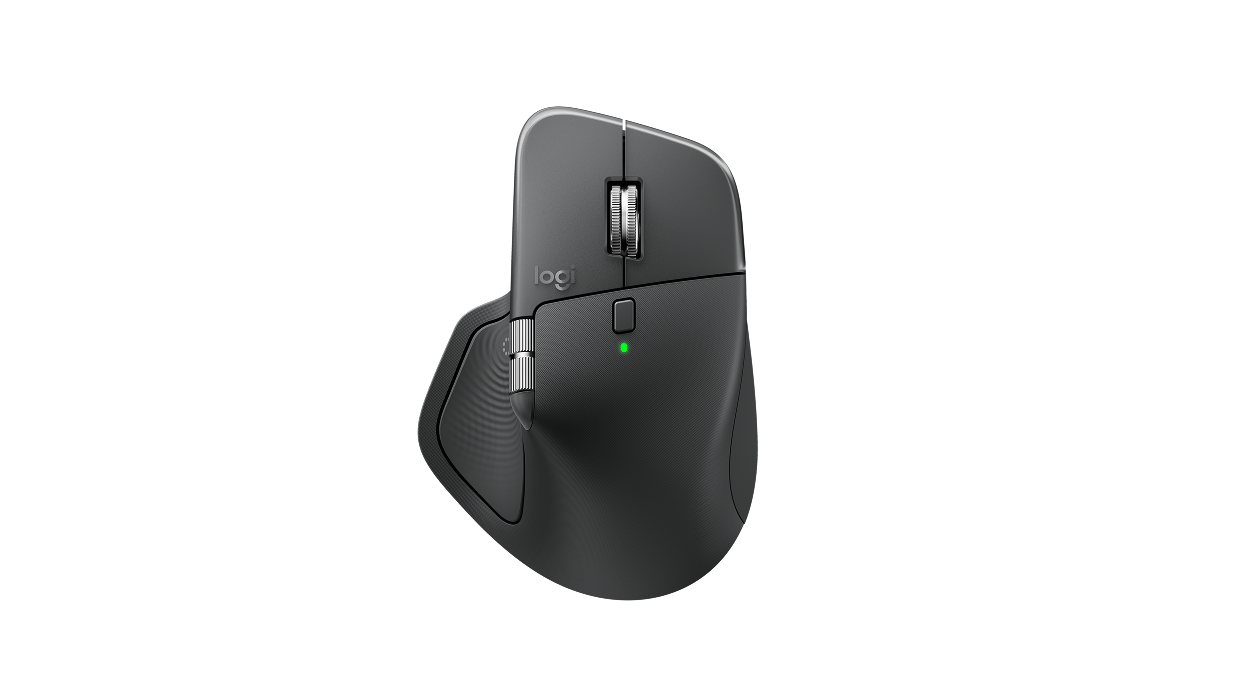
If your plugin integrates haptic feedback, testing will require an MX Master 4 mouse, as it is the only device that supports haptic functionality.
MX Master 4 Mouse
The MX Master 4 mouse is a haptics-enabled device that can receive haptic feedback from plugins. When a plugin raises a haptic event, the MX Master 4 delivers tactile feedback through vibrations.
For detailed information on implementing haptic feedback in plugins, see the Haptics documentation.
 CHECK ON GITHUB
 JOIN ON DISCORD